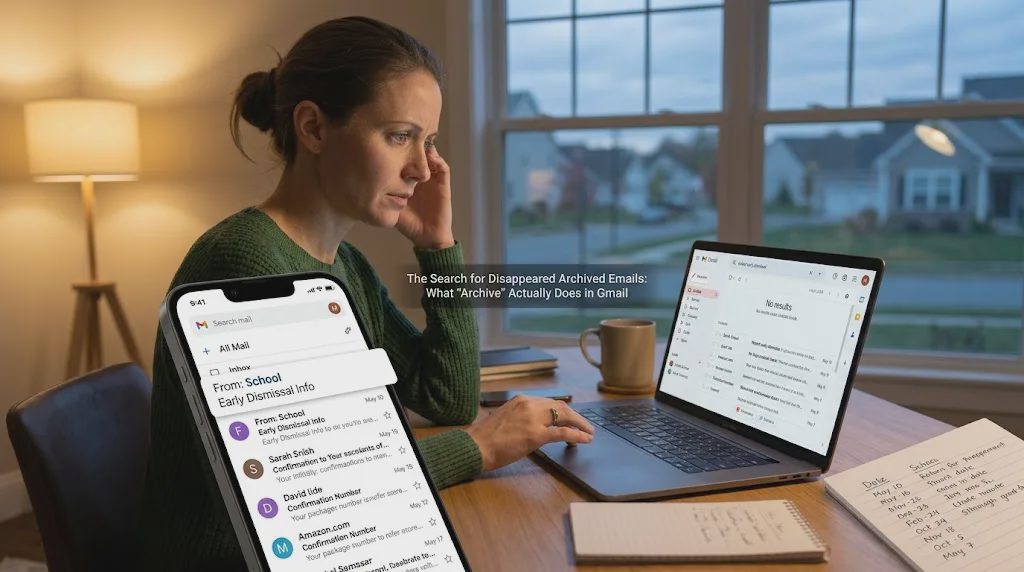
I archived the email from the school about the early dismissal date. I remember doing it. The message was short, useful, and no longer needed in the inbox, so I moved it out of the way. Three weeks later, when I needed the exact time, I opened Gmail and could not find it. Search returned nothing useful. The All Mail label showed older messages but not the one I wanted. For a few minutes I was certain I had deleted it instead.
This is a small, ordinary failure. It happens often enough that people ask variations of the same question: how to see archived emails gmail, how do i find archived emails in gmail, or where are my archived emails gmail. The steps themselves are not complicated. The friction is that the system works differently from the way most people expect it to work, and the difference only becomes visible when the email is needed.
What “Archive” Actually Does
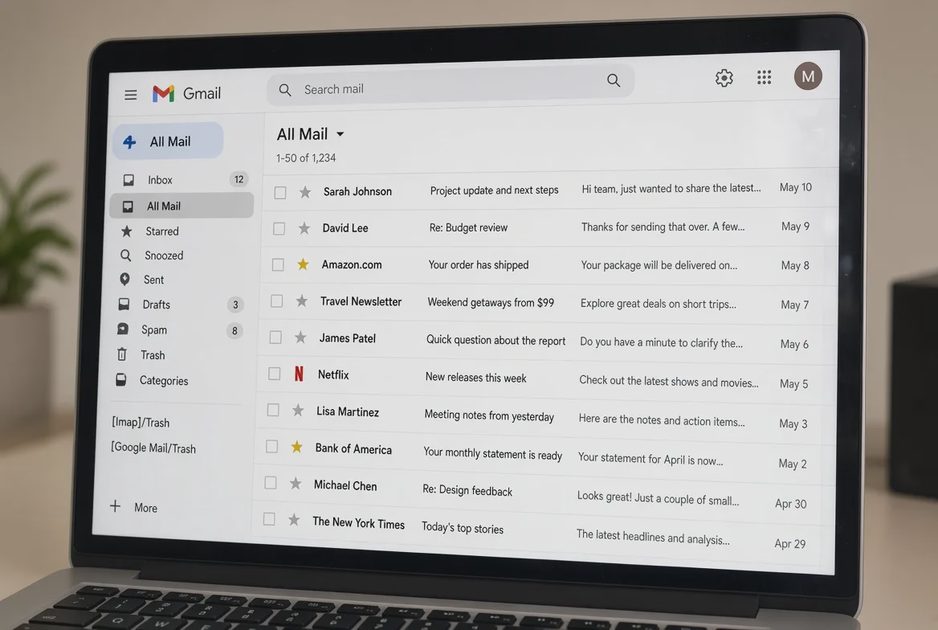
In Gmail, Archive does not hide a message in a special folder the way older email programs did. It simply removes the Inbox label. The message stays in All Mail. If you have other labels applied, those remain. That design is efficient for people who treat the inbox as a temporary holding area and search for everything else. It is less efficient for people who still think in folders.
When someone types “how to access archived emails in gmail” or “gmail how to see archived email,” they are usually looking for a folder that does not exist. The closest equivalent is the All Mail label. Many accounts have it hidden by default. You have to enable it under Settings → Labels before it appears in the left sidebar. Once it is visible, scrolling or searching inside All Mail is the most reliable way to locate an archived message.
Search is faster, but only if you remember something distinctive about the email. “School early dismissal” works better than “school.” If the message was from a specific address, searching from: that address plus a date range is more precise. Gmail’s search operators are useful here, yet most people only discover them after the first failed search.
Method | When It Works | When It Fails |
|---|---|---|
All Mail label | You know roughly when the email arrived | The label is hidden and you do not know how to turn it on |
Search with keywords | You remember a unique phrase or sender | The email is short and uses common words |
Search with from: and date | You know the sender and approximate date | You are not sure which account received it |
Labels you applied earlier | You labeled the message before archiving | You archived without labeling |
The Moment the System Breaks
The problem is rarely that the email is gone. It is that the moment you need it, you are already under time pressure. You are looking for a confirmation number, a form deadline, or the exact wording of a reply you sent. Searching feels slower than it should, and the longer it takes, the more certain you become that the message was deleted.
I have watched this happen with shared family accounts. One person archives messages to keep the inbox clean. Another person later needs the same message and cannot find it. The first person remembers archiving it. The second person did not know the message had been archived. Neither of them thinks to check All Mail first. They both spend time searching the inbox and then the trash. By the time someone opens All Mail, the original request has already been answered by a new email or a phone call.
This is why instructions that simply say “look in All Mail” do not fully solve the issue. People already know, in the abstract, that archived emails are still there. What they do not know is how long it will take to locate a specific one, or whether the search they are about to run will actually surface it. When the search fails the first time, the assumption shifts from “it is archived” to “it is gone.”
Practical Ways to Find the Message Faster
If you regularly need to retrieve archived emails, a few small changes reduce the number of times this happens.
Enable the All Mail label and leave it visible. The extra item in the sidebar is less costly than the search time it saves.
Apply a label before you archive anything you may need later. “School,” “Bills,” or “Travel” takes two seconds and makes later search far more reliable.
Use the search bar with a sender and a date range rather than keywords alone. “from:school.org after:2026/09/01” is more precise than “early dismissal.”
If the email is recent, check the trash once before assuming it was archived. Accidental deletion and intentional archiving look similar from the outside.
These steps do not require new tools. They require treating archive as a temporary state rather than a permanent filing system. For messages that must be found quickly later, a label is more reliable than archive alone.

When Archive Is the Wrong Action
Some emails should not be archived in the first place. Confirmation numbers, passwords, appointment details, and anything that contains a unique code or deadline tend to be needed again under time pressure. Leaving those in the inbox, or labeling them and leaving them visible, creates less friction than archiving them and hoping search will work later.
I keep a small set of labels that stay expanded in the sidebar: “Needs reply,” “Reference,” and “Family.” Anything that lands in those labels is not archived until the action is finished or the information has been copied somewhere else. The rest of the inbox can still be archived freely. The distinction is not about keeping the inbox empty. It is about keeping the messages that are hard to reconstruct easy to reach.
People who ask how to read archived emails gmail or how do i find my archived emails in gmail are usually not looking for a technical explanation of labels. They are looking for the specific message they need right now. The most reliable long-term fix is reducing the number of times a useful message is archived without a label or a clear reason.
The Small Cost of a Clean Inbox
A clean inbox feels productive. It also creates a small, recurring cost every time a message has to be recovered. For most people the cost is only a few minutes. For shared inboxes or for messages that contain time-sensitive details, those minutes add up and often lead to duplicate emails or phone calls.
Gmail’s archive function is not broken. It works as designed. The mismatch is between that design and the way most people still expect email to behave. Once you can see archived emails without searching, and once you stop archiving the messages you are likely to need again, the question of how to see archived emails gmail becomes less urgent. The emails that matter stay easier to find, and the rest can still leave the inbox.
No comments yet — be the first to share a thought.